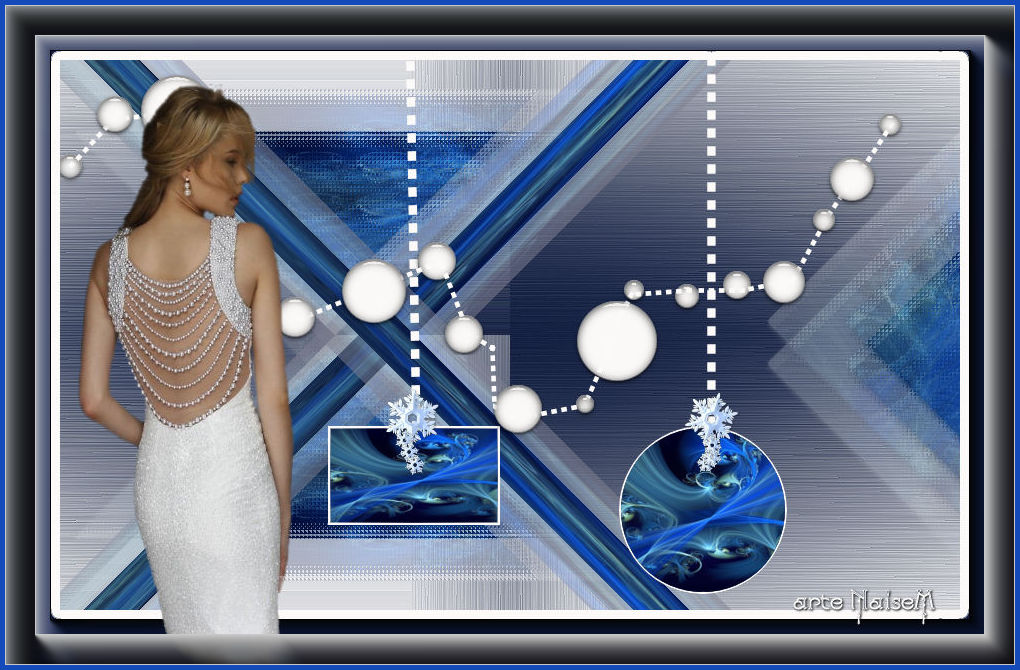
|
*¨*¨*¨*¨*¨*¨*¨*¨*¨*¨*¨*¨*¨*¨*¨*¨*¨*¨*¨*¨*¨*¨*¨*¨*¨*¨*¨*¨*
Merry Christmas,
Bon Noël, Goede kerst,
Buon Natale
PSP 2018 -
but also works in any other one
*¨*¨*¨*¨*¨*
Material
PSP tools
Selection
Deco
Title
Tubes
Preset (double-click)

*¨*¨*¨*¨*¨*
Plug-ins
Mehdi
VM Toolbox - Blast
Unlimited 2.0 &<Bkg Kaleidoscope>
L en K
*¨*¨*¨*¨*¨*
Instructions
 |
Use the arrow to mark your line
Click with the mouse to move it
|
1_. Open your tube and choose a color.
Foreground: #121e40
Background: #ffffff
2_. Open a new image of 900 x 550 px.
3_. Fill with the color #121e40.
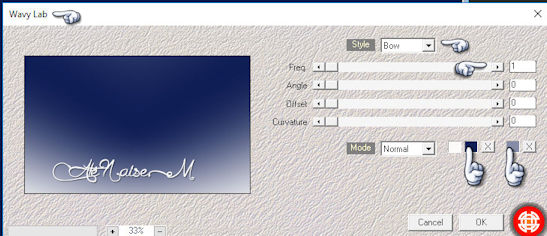
4_. Effects → Plugins → Mehdi → Wavy Lab.
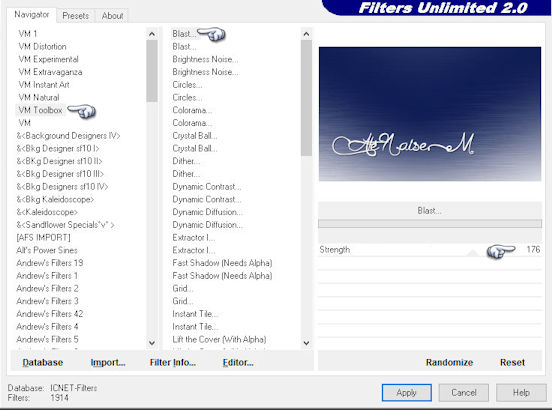
5_. Effects → Plugins → Filters Unlimited 2.0 → VM Toolbox → Blast.
6_. Effects → Edge Effects → Enhance.
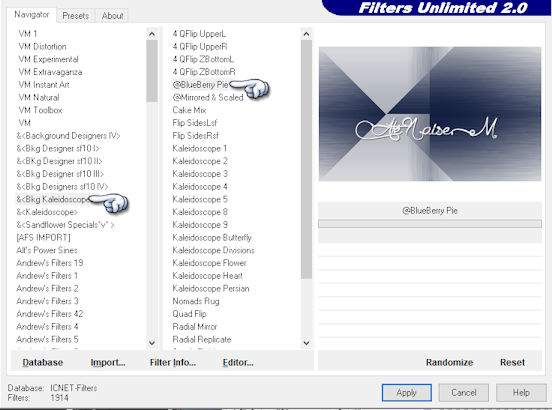
7_. Effects → Plugins → Filters Unlimited 2.0 → &<Bkg Kaleidoscope> → @BlueBerry Pie.
8_. Layers → Duplicate.
9_. Image → Mirror → Mirror Horizontal.
Layers → Properties → Opacity: 50%.
Layers → Merge → Merge Down.
10_. Layers → New Raster Layer.
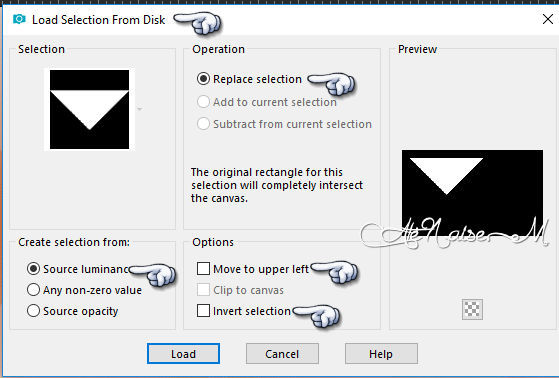
11_. Selections → Load/Save Selection → Load Selection From Disk: #selecao_bomnatal-1.
Fill with the color #121e40.
12_. Open your image: Edit → Copy.
Go back to your work: Edit → Paste Into Selection.
Selections → Select None.
13_. Effects → Plugins → Alien Skin Eye Candy 5 Impact → Glass: preset bom_natal.
14_. Effects → Plugins → Filters Unlimited 2.0 → &<Bkg Designer sf10 I> → Cruncher.
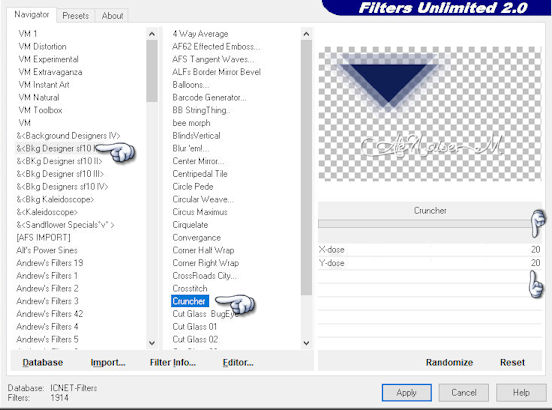
15_. Effects → Plugins → L en K landksiteofwonders → L en K's Djin.
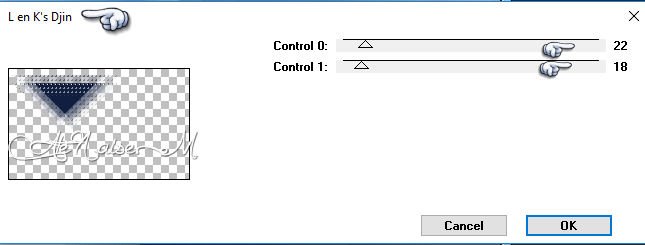
16_. Layers → Duplicate.
17_. Image → Mirror → Mirror Vertical.
Layers → Merge → Merge Down.
18_. Layers → New Raster Layer.
19_. Selections → Load/Save Selection → Load Selection From Disk: #selecao_bomnatal-2.
Fill with the color #121e40.
Edit → Paste Into Selection.
Selections → Select None.
Apply the preset bom_natal from Eye Candy 5 Impact, Filters Unlimited 2.0 → &<Bkg Designer sf10 I> → Cruncher and L en K's Djin, all with the same settings as before.
Layers → Merge → Merge Down.
20_. Layers → New Raster Layer.
21_. Selections → Load/Save Selection → Load Selection From Disk: #selecao_bomnatal-3.
Edit → Paste Into Selection again.
Effects → Plugins → Filters Unlimited 2.0 → &<Bkg Designer sf10 I> → Cruncher.
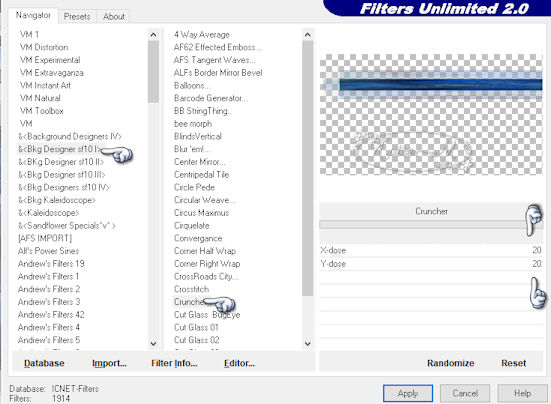
22_. Effects → Geometric Effects → Skew.
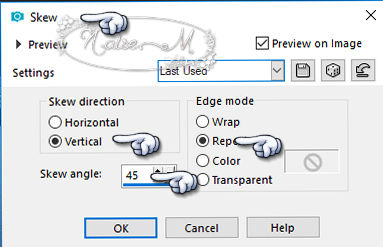
23_. Layers → Duplicate.
Image → Mirror → Mirror Vertical.
Layers → Merge → Merge Down.
24_. Open deco-2: Edit → Copy.
Edit → Paste As New Layer.
25_. Effects → Image Effects → Offset.
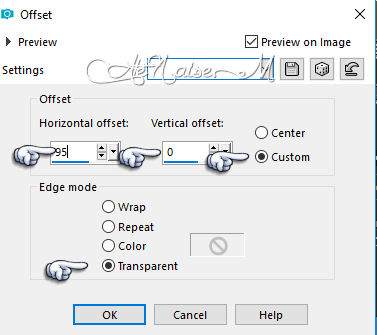
26_. Open deco-1.
27_. With the Magic Wand tool, select the rectangle.
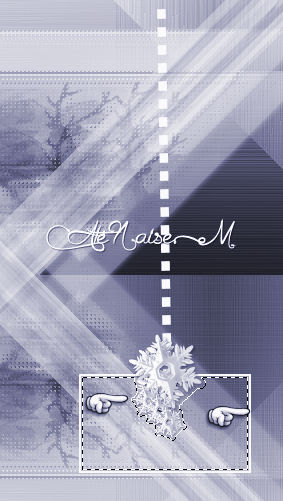
On the image: Edit → Copy.
Edit → Paste Into Selection.
28_. With the Magic Wand tool, select the circle.
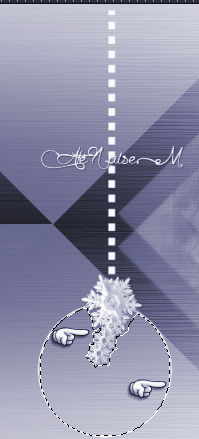
Edit → Paste Into Selection.
29_. Image → Add Borders → Symmetric checked: 55 px - color #ffffff.
With the Magic Wand tool, select the border.
Selections → Modify: 10.
Fill with the color.
30_. Effects → 3D Effects → Drop Shadow: 0 / 0 / 100 / 100.
31_. Effects → Plugins → AAA Frames → Foto Frame.
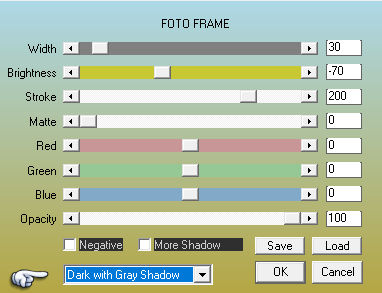
32_. Image → Add Borders: 5 px - color.
33_. Apply your deco-2 as you wish; use the Eraser tool to erase whatever you like.
34_. Apply your tube.
35_. Sign and save as JPG.
Foreground #121e40
Background
#ffffff
*¨*¨*¨*¨*¨*
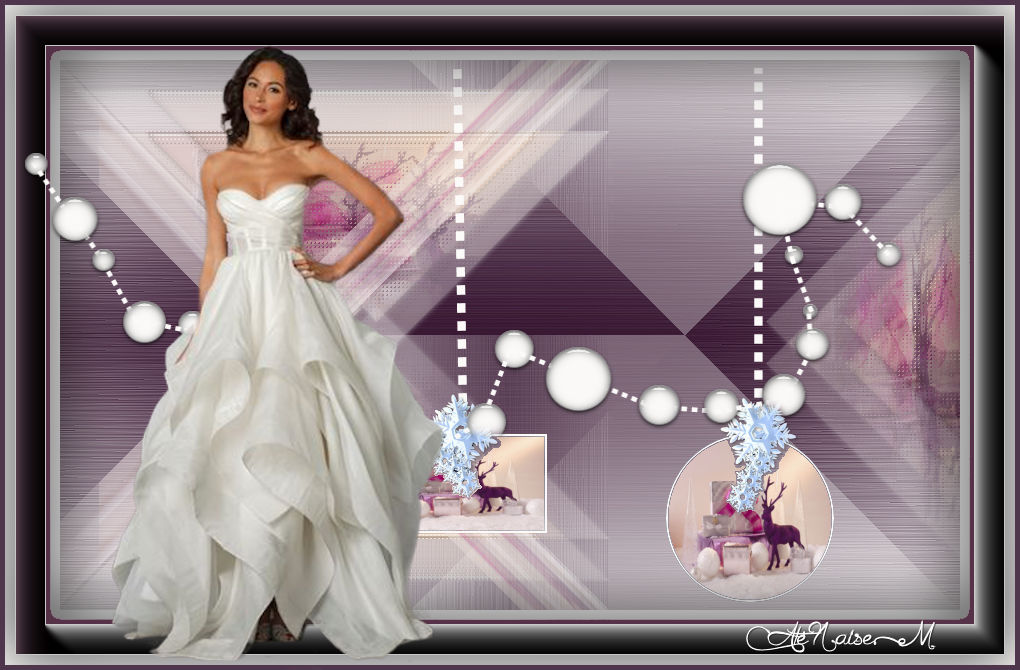
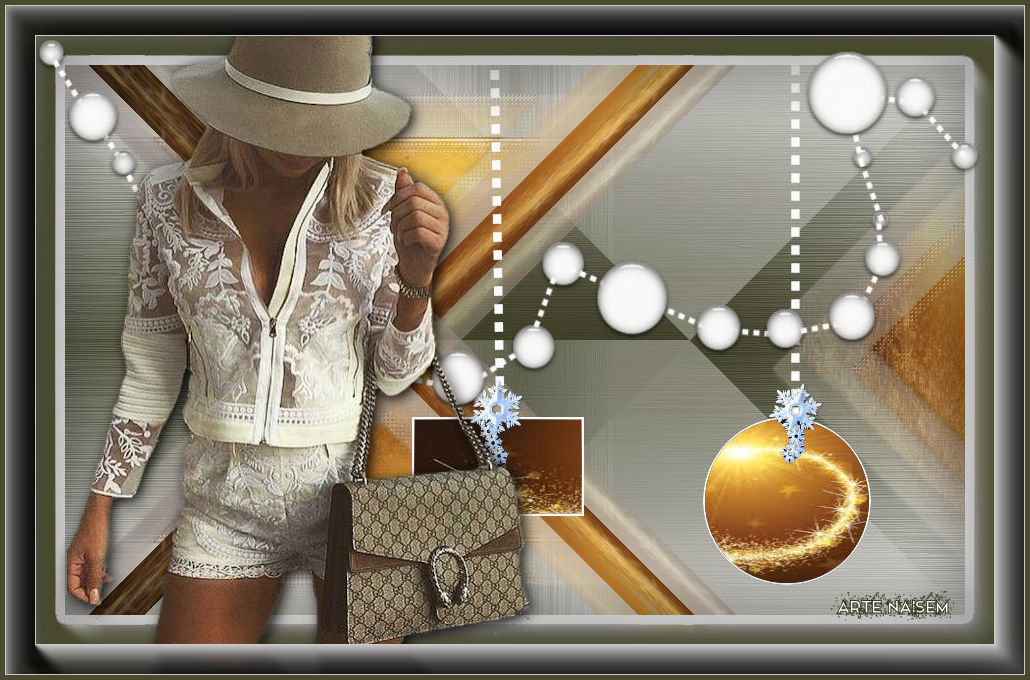
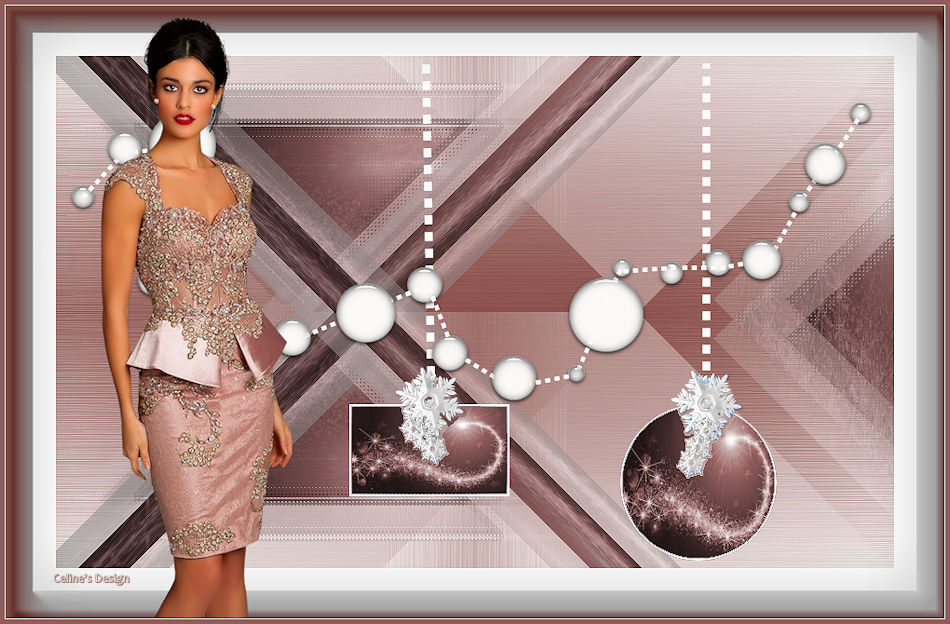
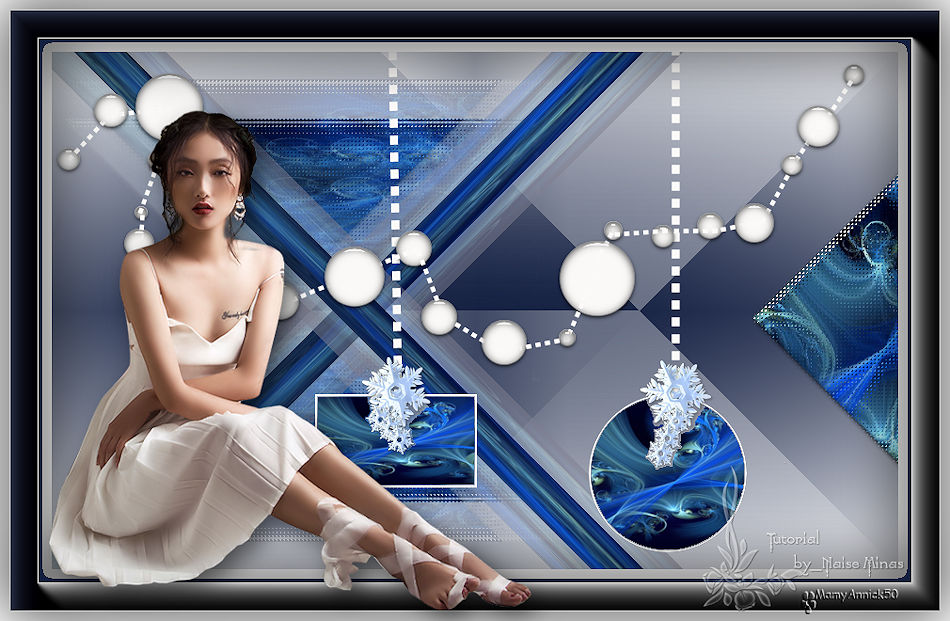
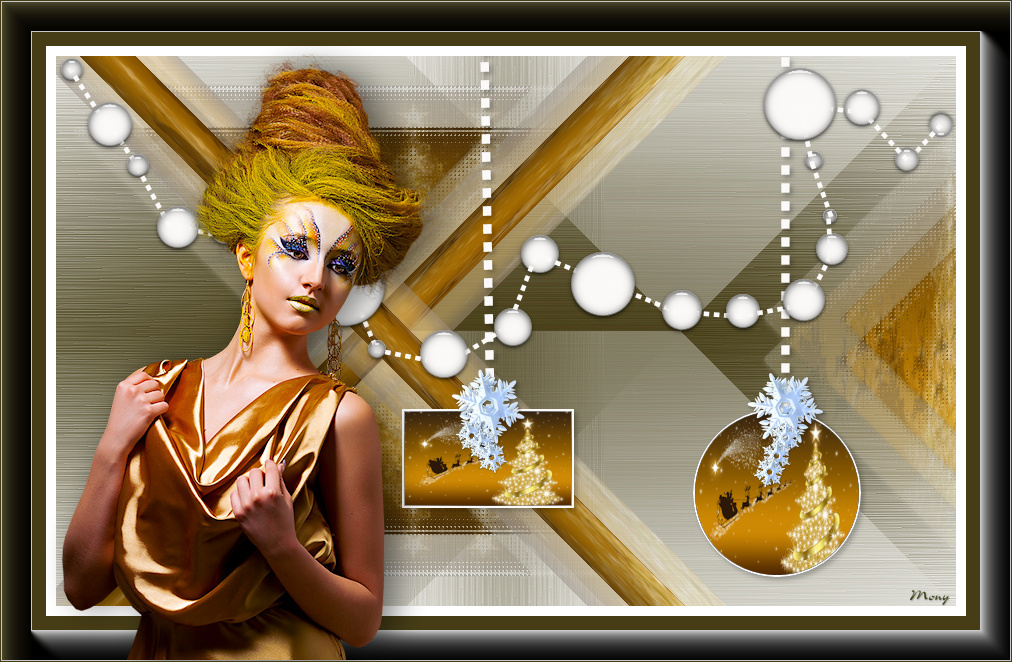
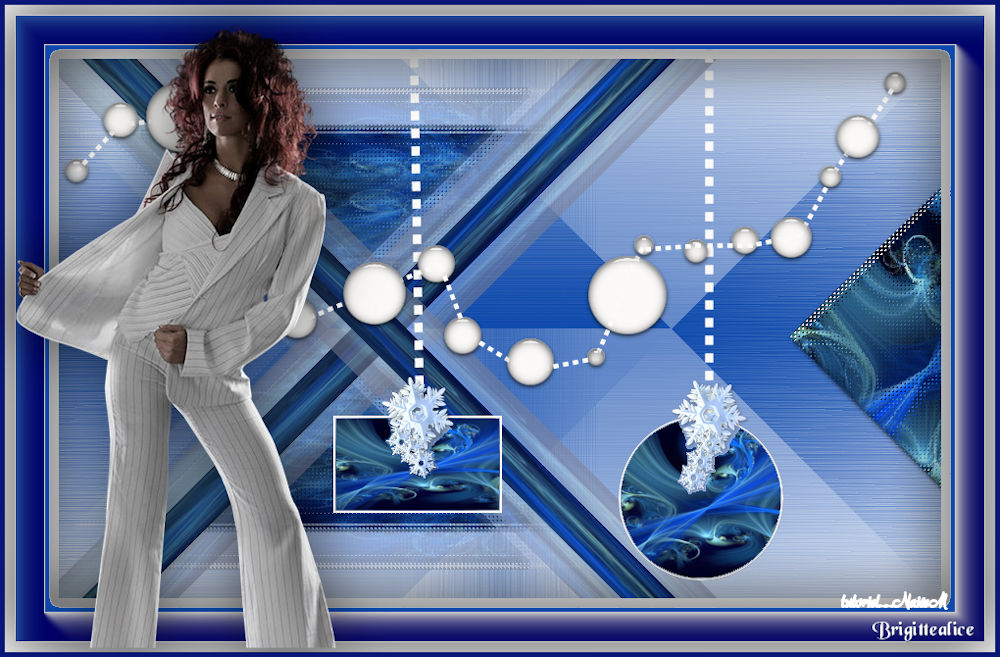
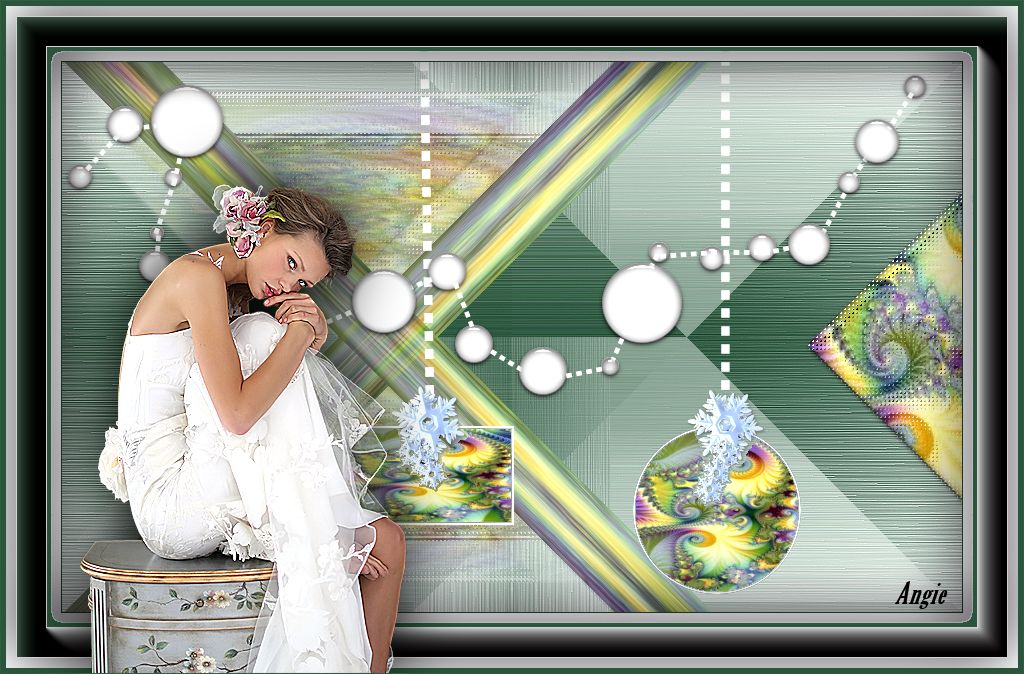
OTHER MODELS
*¨*¨*¨*¨*¨*
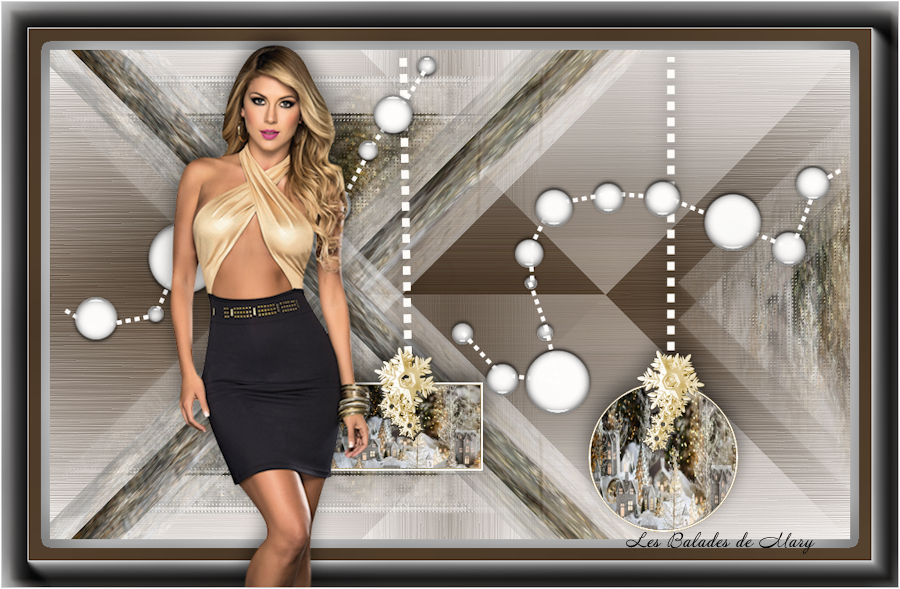
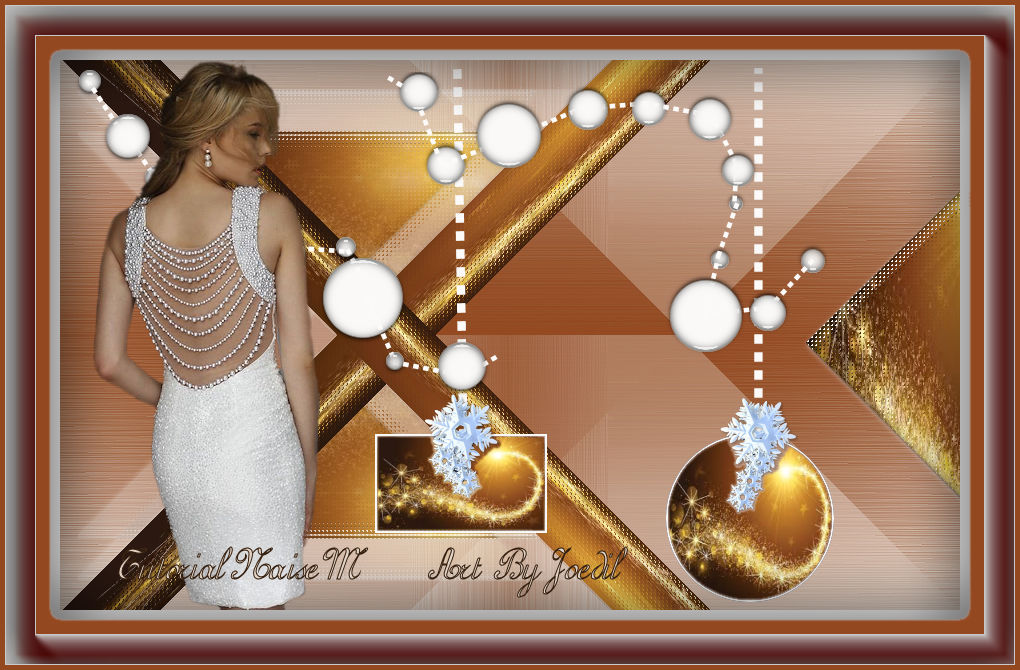
Readings
*¨*¨*¨*¨*¨*
15/11/2017
|