|
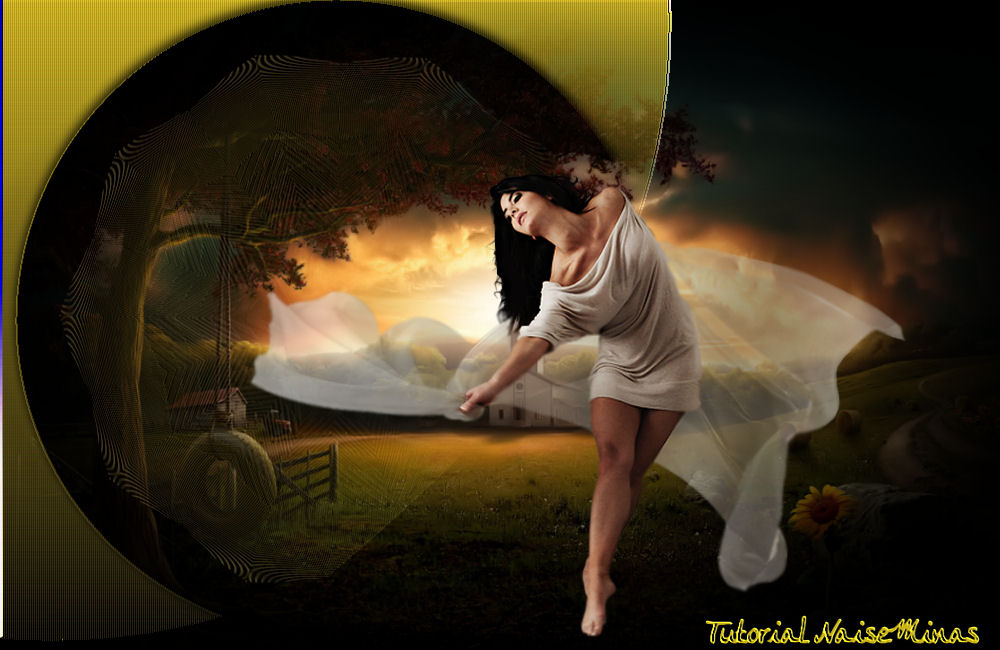
Ao Vento Materials used TUBES GRADIENT PSP EFFECTS PSP TOOLS
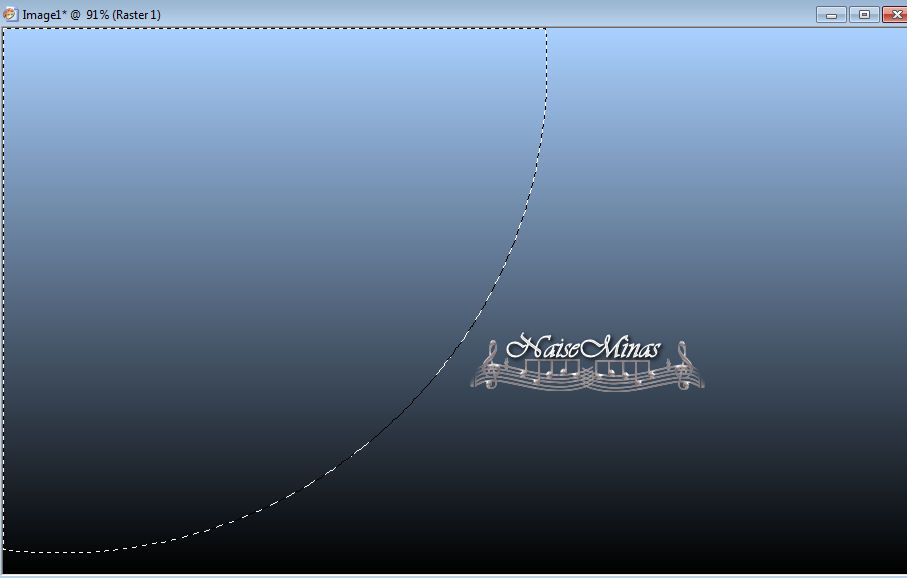
Walkthrough 1_. Open a new transparent image of 1000 x 600 px. 2_. Fill the image with a Linear gradient: Angle: 0 / Repeats: 0. 3_. With the Selection tool, type Circle, make the selection as shown in the print below.
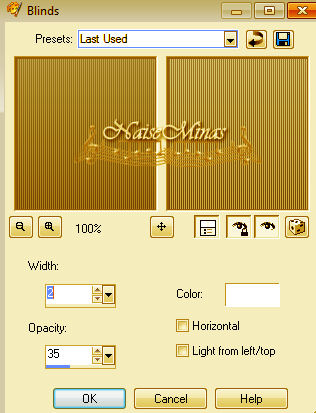
4_. Effects → Texture Effects → Blinds.
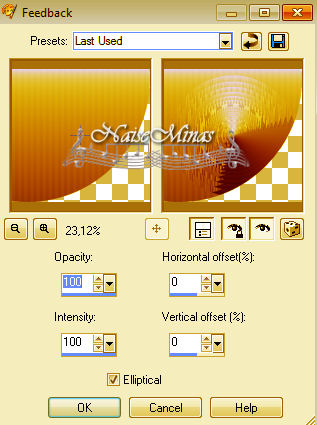
5_. Effects → Reflection Effects → Feedback.
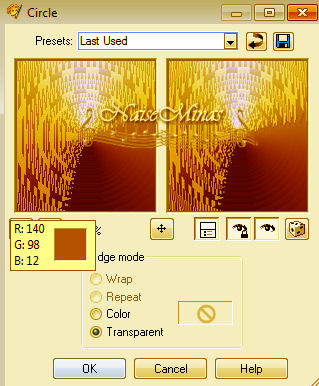
6_. Effects → Geometric Effects → Circle.
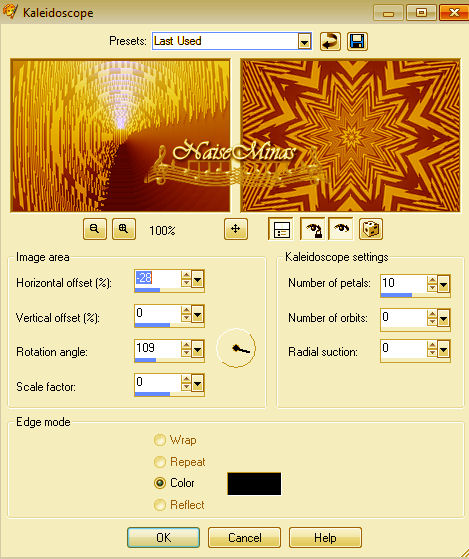
7_. Effects → Reflection Effects → Kaleidoscope.
8_. Effects → 3D Effects → Drop Shadow: 2 / 2 / 80 / 15. 9_. Selections → Select None. 10_. Apply an image to the background. 11_. Apply your tubes. 12_. Layers → Merge → Merge All. 13_. Sign your work. 14_. Save as JPG.
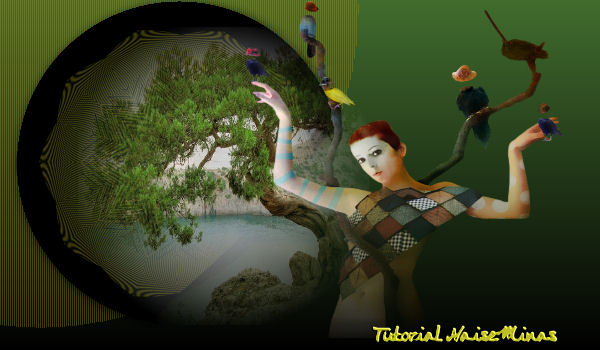
Another Model
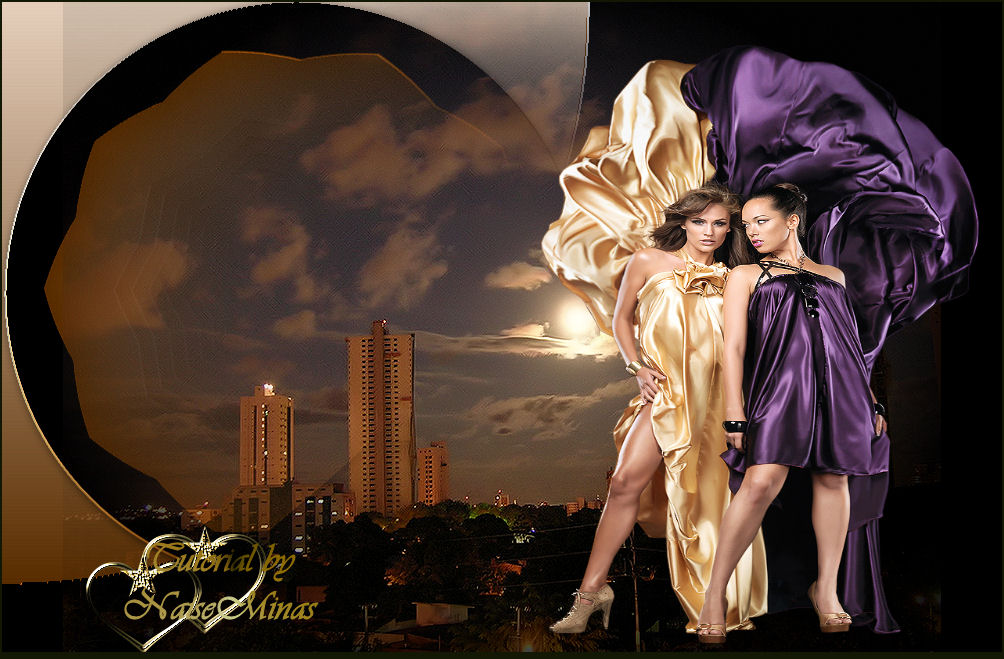
Tutorial: AO VENTO BY NAISEMINAS Tubes: ClaudiaVisa\YokaLadies Image: Lunas Tutorial created on 02/02/2013
|