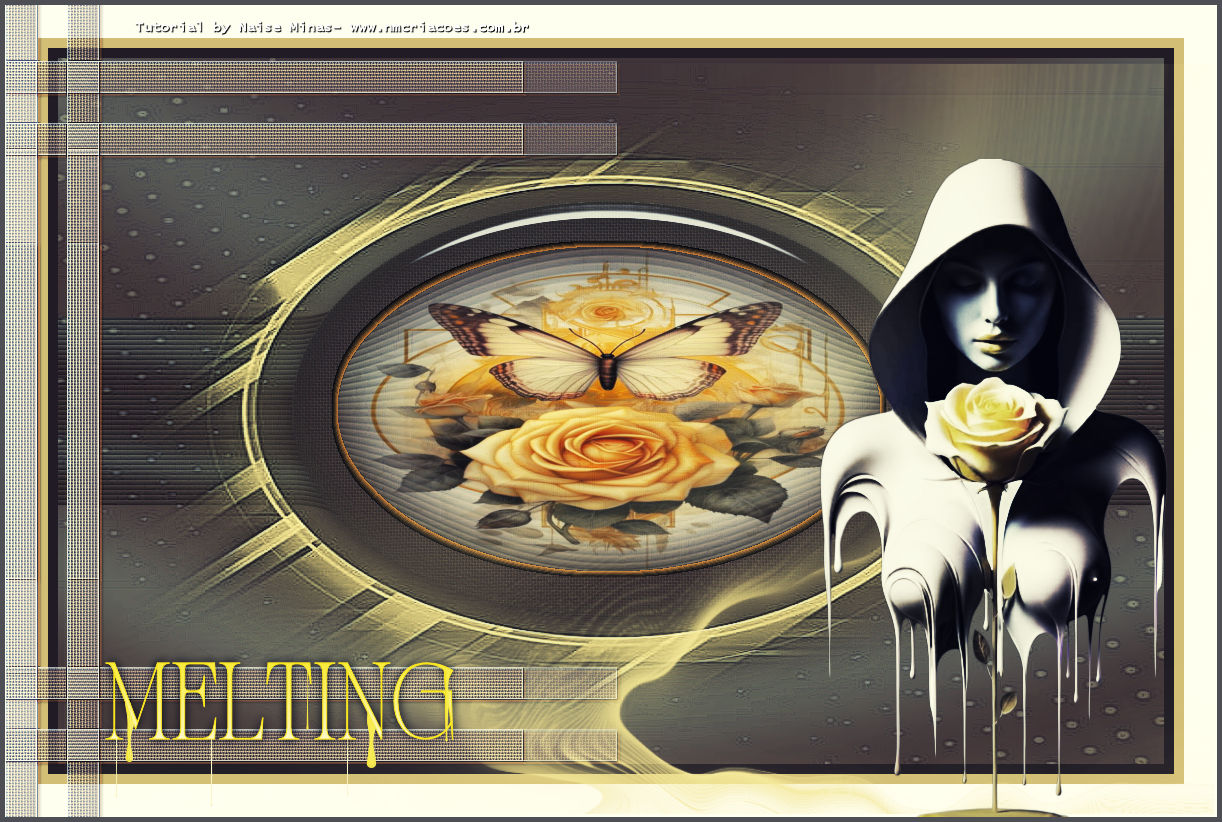
1. Open your alpha_melting file.
2. In the Foreground, enter #716650 - In the Background, enter #5d4938.
3. Plugin Muhdi - Wavy Lab 1.1
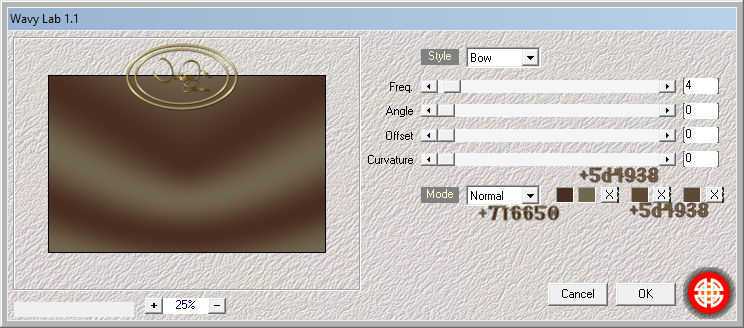
4_.Duplicate
5_.Effects - Geometric - Horizontal Perspective
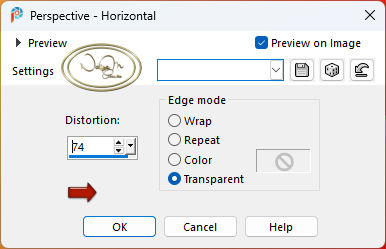
Repeat - put negative in Distortion
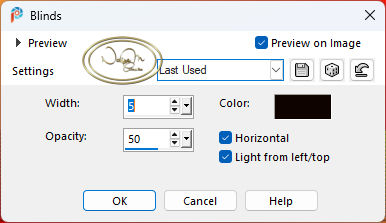
6_.Effects - Texture blinds
7. Effects Distortions Warp
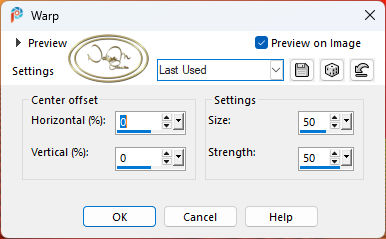
8. Layers - New Raster Layer / Applies the alpha-melding_1 selection
Applies the linear gradient with the foreground and background colors
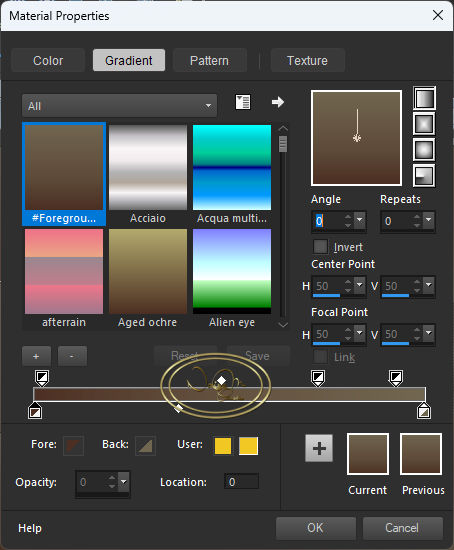
9. Still selected - applies the preset_texture_melting of the eye texture - weave
10. Then, still selected, applies the preset_melting of the eye impact - glass
11. Selections - Modify - Contact 46
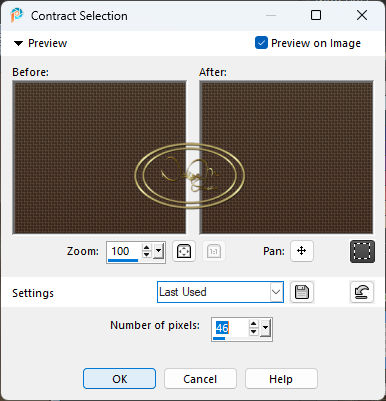
Edit Cut
12. Layers New Raster Layer
13. Open your misted file - Edit Copy and paste into
If you want - multiply - merge down
14. Effects - 3D Chisel - color #d38f3a or the color of your choice
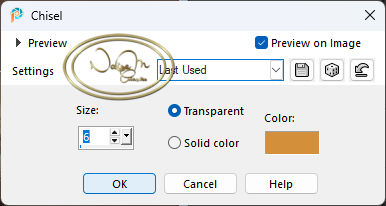
Layer Merge Down
27. Image - Mirror Vertical
Layer Merge down
28. Add a Dro Shadow of 3/3/100/3.63 color #6f4521
Edge - Enhance more
29. Open the title - Edit, copy and paste as New Layer
With the Pic Tool X:91 Y:645
30. Open the tube - Edit, copy and paste as New Layer
With the Pic Tool X:814 Y:154
31. Image Add Border Symmetric checked
Size 5 - color #4d4f55
32. Sign
33. Export as JPG